If you’re working out how to get Google reviews, start with a neutral invitation and a link to the correct Business Profile, your listing on Google. Ask customers with a genuine experience, whatever their view of it, and let them choose whether to write. Leave out rewards and requests for a particular rating or wording.
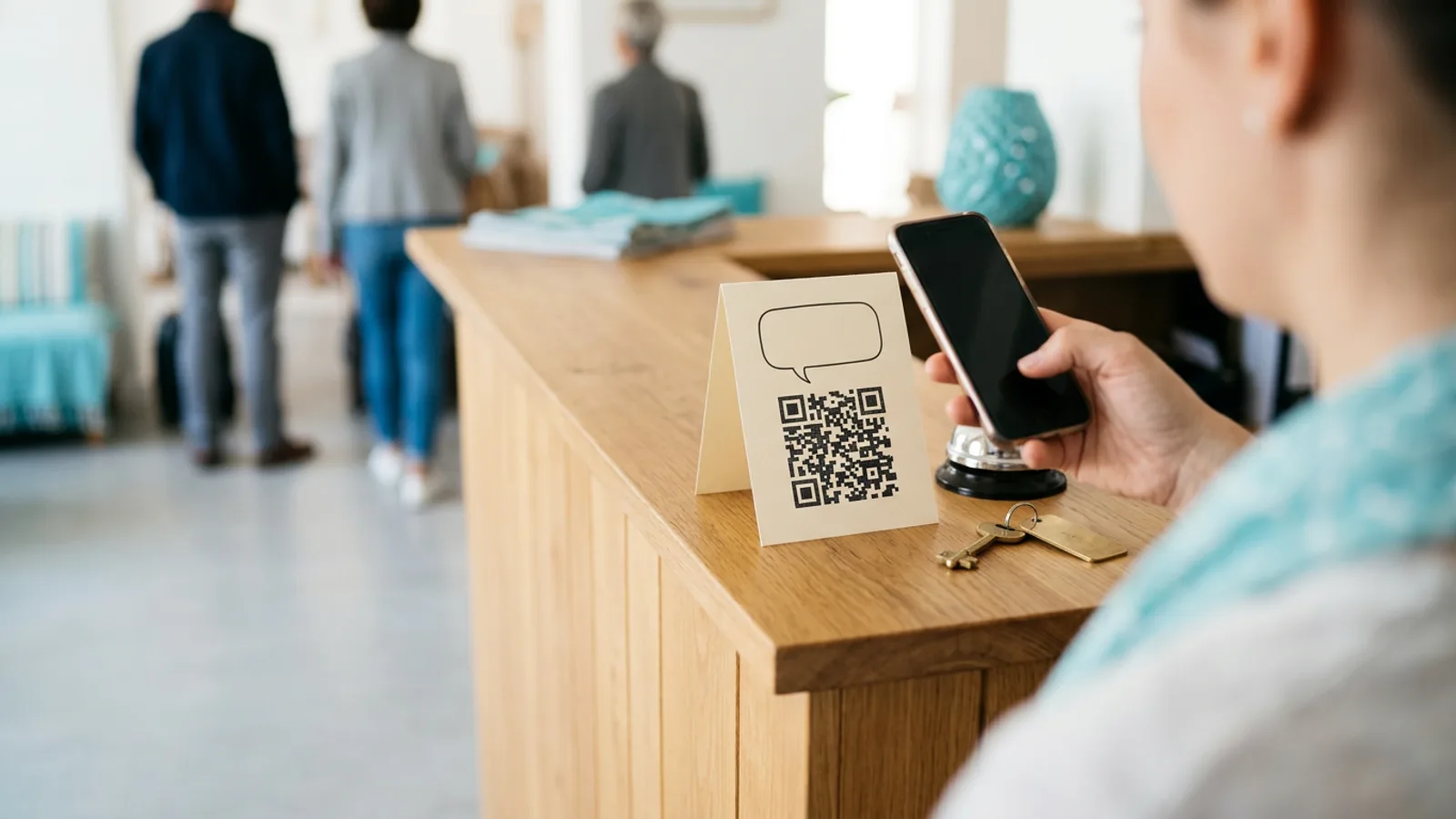
Look at what the customer receives. A review link buried in a receipt footer may go unnoticed, and an old QR code may open the wrong branch. You can check both before changing the message or sending more invitations.
Where does the invitation get stuck?
Start with the invitation your business actually uses, including any question before the review link. A missing review can follow a message the customer never saw, a link to the wrong location, or a request that tells them what to say. Reaching the correct form and publishing feedback are separate events.
The link is hard to find. Open the final message as a customer would. If the link is only in an attachment or below a long receipt, check whether the request itself is visible before replacing the destination.
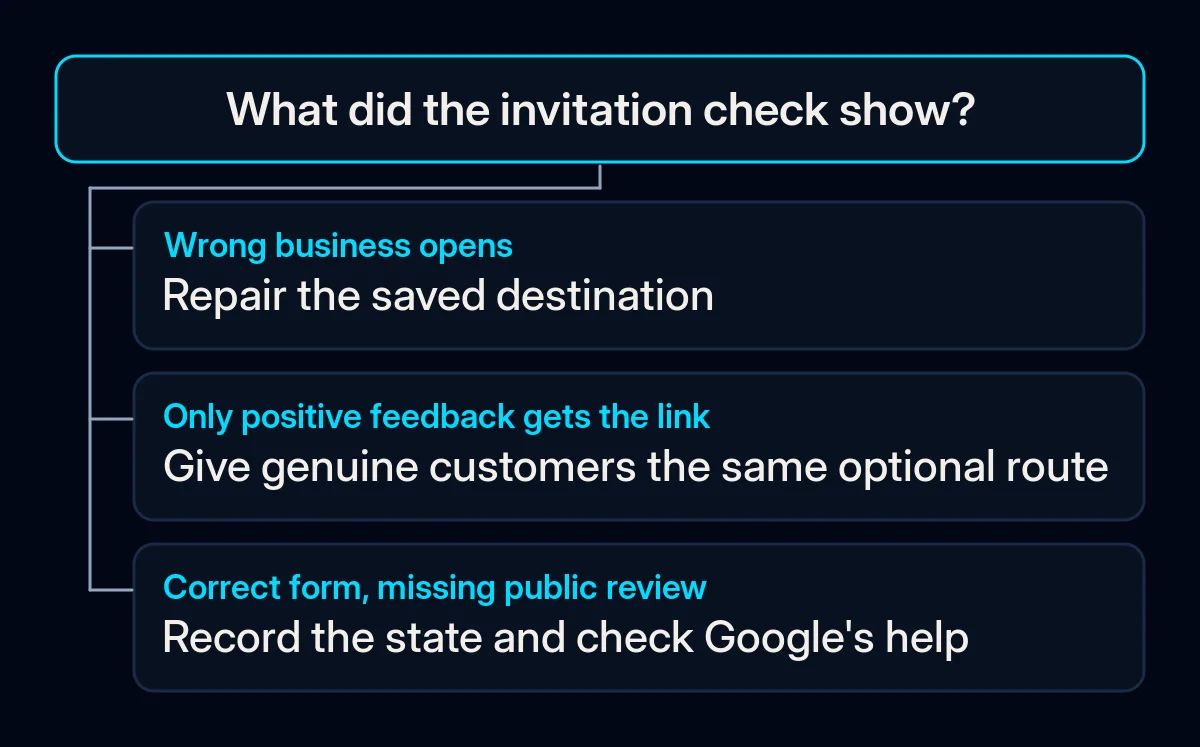
The business is unclear. A saved link may belong to a different branch. Compare the name and location shown after opening it with the business named in the invitation.
The invitation chooses who gets asked. Follow any satisfaction question all the way to its last screen. If only a favourable answer reveals the Google link, the problem is the selection rule, even if the message sounds friendly.
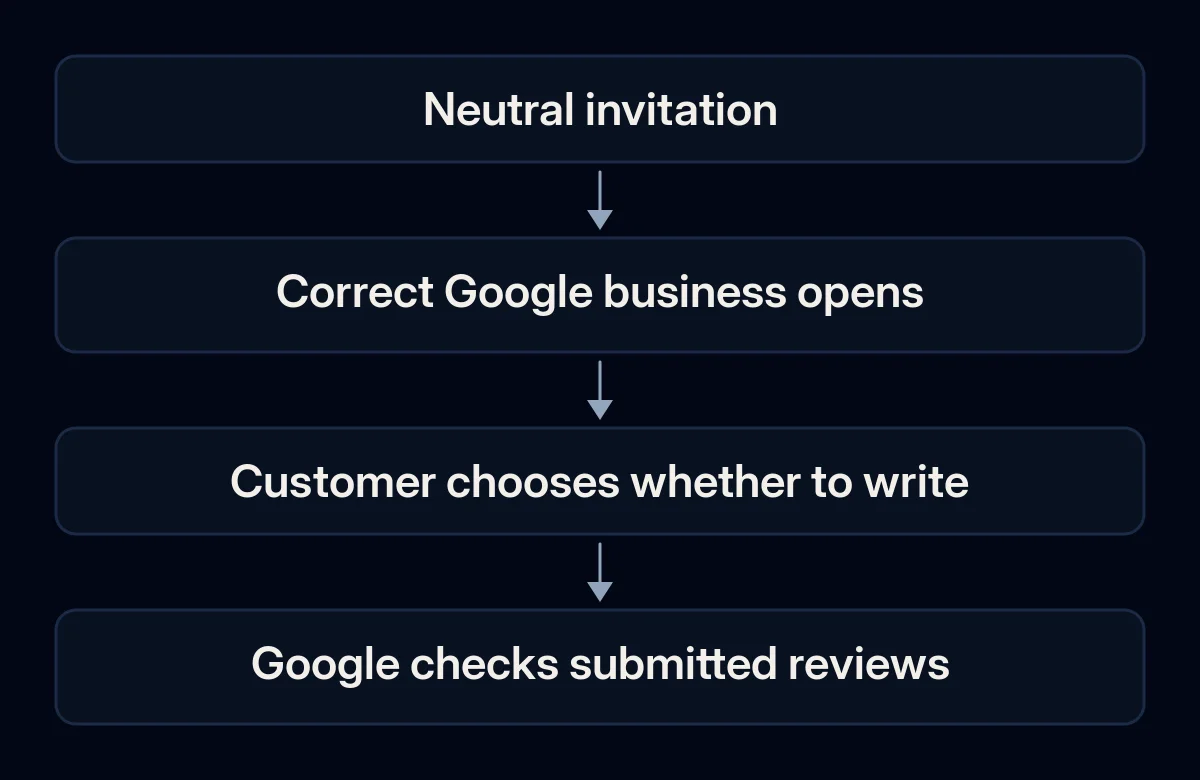
Check the link and printed code before sending
Use the link Google supplies for the business you want customers to review. For a printed code, check it after it has been printed. Confirm the business name and location on the destination, then close it without posting feedback. This is a check your team can do before the invitation goes out.
- Find the Business Profile you manage for the intended location. If you cannot find the public listing, first check why your business is missing from Google Maps. A new message cannot settle which profile customers should use.
- In a browser on a computer, open that profile. Google’s help page for review links and QR codes says to choose Read Reviews, then Get more reviews. Choose Copy for the review link or save the supplied QR image using the browser’s image-saving option. Google currently documents QR generation for a computer browser.
- Open the copied link on a phone. Compare the business name and location with the invitation. Google requires reviewers to sign into a Google Account, so a sign-in prompt alone does not establish that the link is broken. Use only an account you are entitled to use for the check.
- If you will print a code, scan the actual print. Check the business it opens and close the form without choosing a rating or posting anything. If you cannot confirm the destination, record the check as unresolved. Ask staff to inspect the destination without submitting a practice review.
- Record the destination, the message or print version you checked, and who will replace it if it changes. This fits the baseline we establish in an SEO audit: record what you observed before making changes.
How to get Google reviews from your existing messages
Put the invitation into an appropriate message your business already sends. Choose recipients by a neutral event, such as completion of the service, and keep the public review option available whatever they thought of it. The invitation should make leaving feedback optional, including when the customer is still deciding what they want to say.
Google lists receipts, thank-you emails and the end of a chat as possible places for a review link. Pick a channel your business is already entitled to use. The example below is our suggested wording for a message you can already send.
If you’d like to share your experience with [business], you can leave a Google review here: [review link]. Thank you.
- Use the same rule to invite customers with a genuine experience, whatever their feedback. Walk through it on paper for a pleased customer and an unhappy one. Both should reach the same optional public review link, and both can be offered support.
- Approve the final wording and destination together. Google’s contribution policy prohibits incentives and asking only customers likely to leave positive reviews. It also rules out pressure to review on the premises, requests for specific content or staff names, and targets that require staff to solicit a set number of reviews.
- Decide who keeps the current message and who sends it. A receipt and a follow-up message can otherwise repeat the same request. Agreeing which version goes out and who approves it is part of the message and approval routine we use in social media work.
What if the form or review is missing?
Check which state you can see before changing the invitation. Google says review availability varies by country or region and business category, and some places can have protective posting restrictions. Google also says its checks can delay the appearance of a review. Use the link check to confirm where it leads. Leave the cause of a missing review open until you have evidence for it.
| What you see | What to check next |
|---|---|
| A different business opens | Replace the saved link and retest the final message or printed code. |
| Google asks for sign-in | Use an account you are entitled to use, check the business if it opens, and close without posting. Keep the destination unresolved if you cannot confirm it. |
| The expected review form is unavailable | Record the profile and the visible message. Check Google’s availability and posting restriction guidance before changing the invitation. |
| The route works, but a review is not visible publicly | Keep the destination check separate and consult Google’s missing or delayed review guidance. Treat submission and the reason for the missing review as unknown unless you have evidence for each. |
Keep the note about the screen you saw and the profile you checked. Avoid asking customers for account details or coaching them around moderation. If the route still cannot be confirmed, assign the unresolved check to the person who manages the profile.
What should you record after the check?
Record what you can observe in your own process: which version of the invitation is ready, whether the destination was checked, and whether a message was actually sent. Keep a publicly visible review as a separate observation. The record should help someone fix an unresolved step without identifying or chasing individual reviewers.
- Current invitation: message or print version, intended business and last destination check.
- Unresolved step: the screen or wrong destination you observed, who owns the fix and when they will check it again.
- Sending: use actual sending information if your existing channel supplies it. Keep messages still waiting to go out marked as prepared.
Recheck after a change to the link, printed code or message. If you record public reviews later, keep the observation date and business location with the record. Record a later review count on its own. You’ll need more than the count to connect a change to a particular invitation.
Where we come in
We start by checking the invitation a customer actually receives and the business it opens. Then we help your team agree on the wording and name the person who will keep the destination current. The useful handover is a checked invitation or a clearly assigned unresolved task, even when no new review has appeared.