
APPS
Mobile apps for iOS and Android: design, development, launch and growth
UX research and UI design come first, then native Swift and Kotlin or one cross-platform codebase — chosen by your product's hardest feature, not by habit. Then store publishing, ASO and install campaigns, so the app gets found after release.

When this is about you
You have an idea or a web product, and customers keep asking for an app.
The app exists, but users get lost in it, ratings are low, and nobody dares to touch the code.
It's live in the stores and nobody finds it — installs stop at friends and family.
Two separate apps for iOS and Android cost double and drift further apart with every release.
What we do — from UI/UX design to the store
Entry point
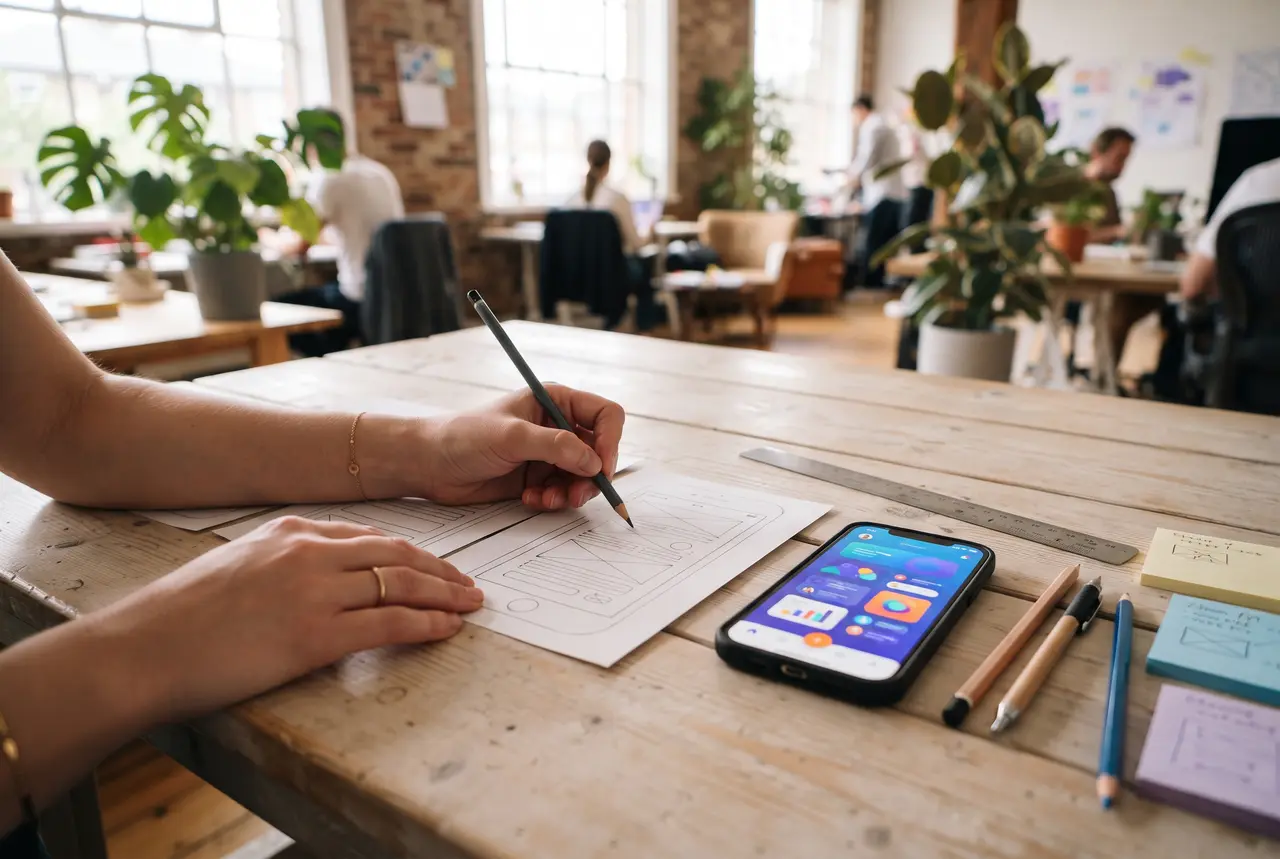
UX research & prototype
Interviews, user flows and a clickable prototype — tested with real users before a line of code.
Figma · iOS · Android
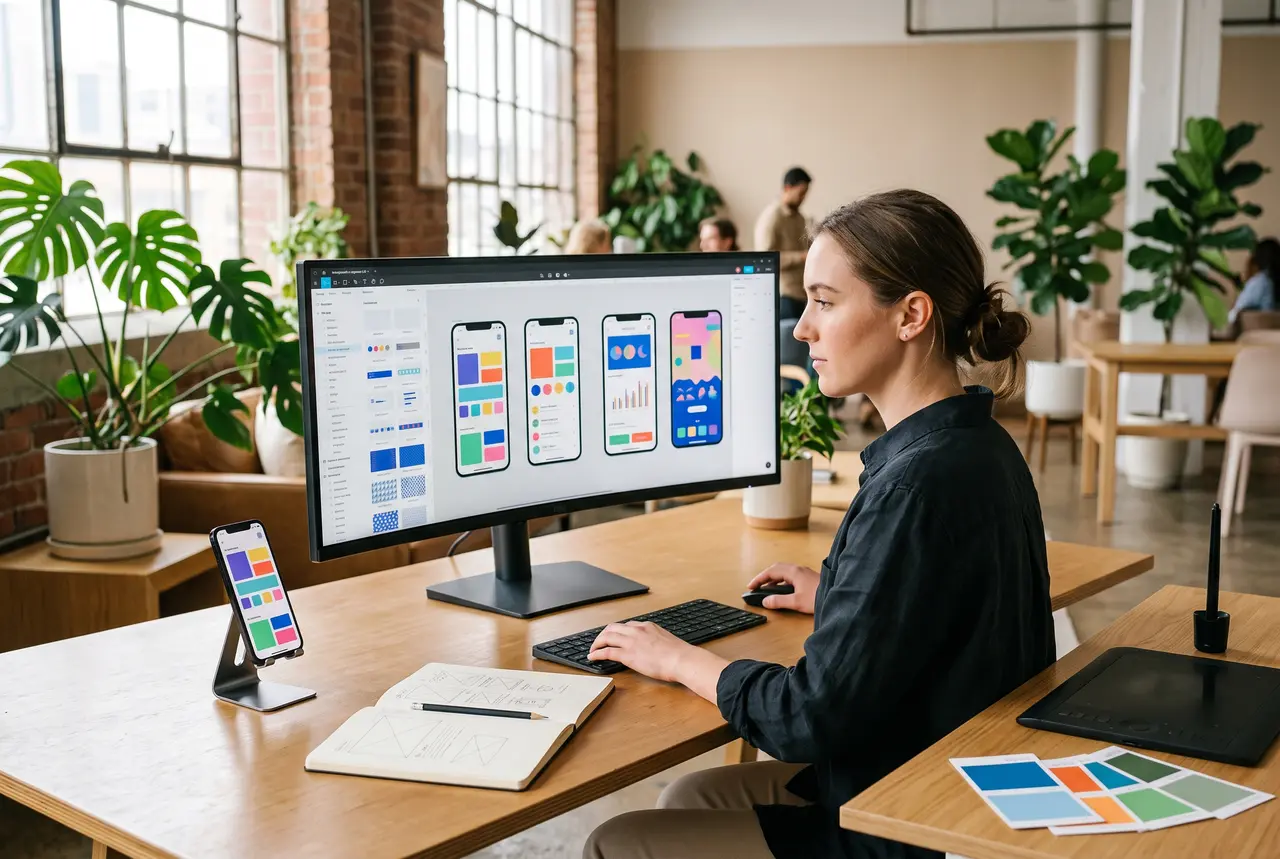
UI design & design system
Screens that feel native on iPhone and Android, a component library, motion and accessibility — ready for developers.
Existing apps
UX audit & redesign
Where users get stuck, why ratings drop, what to redesign first — based on analytics, reviews and user tests.
Swift · SwiftUI
Native iOS apps
Apps that feel at home on iPhone, iPad and Apple Watch, with full access to Apple frameworks.
Kotlin · Jetpack Compose
Native Android apps
Apps built for the whole range of Android devices, with deep OS and hardware integration.
Flutter · React Native · KMP
Cross-platform apps
One codebase for iOS and Android when the product allows it — faster releases, one team.
App Store · Google Play
Store publishing & ASO
Developer accounts, review preparation, store listings and screenshots designed to convert — in every language.
Apple Ads · Google · Meta · TikTok
Install campaigns
The first users and steady growth, measured by retention and in-app actions — not by downloads alone.
After release
Support & new releases
Crash monitoring, updates for each new iOS and Android version, UX improvements driven by data.
How an app project runs







Brief & discovery
What the app must do, for whom and in which markets; the feature list for the first release and the stack choice with written reasoning.
UX research
Interviews and user flows: how people will actually move through the app — before any pixels are drawn.
Prototype & user tests
A clickable prototype in real users' hands; we fix the flow while changes still cost minutes, not sprints.
UI design & design system
Screens for iOS and Android following Apple's and Google's guidelines, a component library, motion and accessibility — handed to developers in Figma.
Development in sprints
A working build every sprint on your own phone through TestFlight and Google Play testing tracks.
Backend & integrations
API, payments, push notifications, CRM — and analytics events from day one.
Testing & design review
Real devices and OS versions, performance, offline behaviour — and every screen checked against the design.
Store release & launch
Listings, store screenshots, privacy details and review — then ASO and install campaigns in every language you sell in.
Support & growth
Crash monitoring, updates for each new iOS and Android version, and the next features chosen by analytics.
How we choose the stack
Native or cross-platform is an engineering decision, not a fashion. The honest matrix we use:
| ✓ | ✕ | |
|---|---|---|
| Swift / SwiftUI — native iOS | The best iPhone experience; full access to Apple frameworks — widgets, HealthKit, Apple Pay, Watch | iOS only — Android needs its own app |
| Kotlin / Jetpack Compose — native Android | The best Android experience; deep hardware and OS integration across device makers | Android only — iOS needs its own app |
| Kotlin Multiplatform | Shared business logic with a fully native interface on both platforms | Two interfaces still to build; a younger ecosystem |
| Flutter | One codebase and one design for iOS and Android; fast iterations; a consistent look | Heavy native features need platform bridges; larger app size |
| React Native | Teams with web and React experience; code shared with a web product | Graphics-heavy and animation-heavy apps |
| PWA (web app) | Testing demand cheaply; content, forms and accounts; no store review | Limited device access; no real presence in the stores |
We decide by the app's hardest feature, not by the average one.
Honest expectations
- Design is tested before it is coded: every key flow goes through a clickable prototype with real users. Fixing a screen in Figma is cheaper than in code.
- Store review is on Apple's and Google's side: we prepare for it thoroughly, but we don't promise approval dates.
- The first release is deliberately small. Which features come next is decided by analytics after launch, not by the wishlist.
- An app needs maintenance: iOS and Android get a major update every year, and the app has to keep up — we include it in the estimate.
- Your accounts, your code, your designs: developer accounts, repositories, signing keys and design files are registered to your company from day one.
First case studies are being prepared
We publish cases only with client consent and verified numbers. Until then — our method and checklists above are the most honest thing we can show.
Frequently asked
How much does it cost to develop a mobile app?
Do you design the app too, or only develop it?
Native or cross-platform — which should we choose?
Can you publish our app on the App Store and Google Play?
How do you promote an app after launch?
Can you take over or redesign an existing app?
Who owns the code, the designs and the store accounts?
Tell us about your app
An idea, a prototype or an app that needs rescuing — we'll answer with a stack recommendation, a first-release scope and a timeline.
Scope runs from a single task to running the discipline end to end — no fixed packages, the range comes after the brief.
Related services:
Thank you — what happens next
- We reply within one business day.
- A short call to understand the task.
- We propose an entry point — usually an audit.
Want a sharper estimate? Fill in the brief — it arrives as an addition to your enquiry.
Fill in the brief